


RC CREW
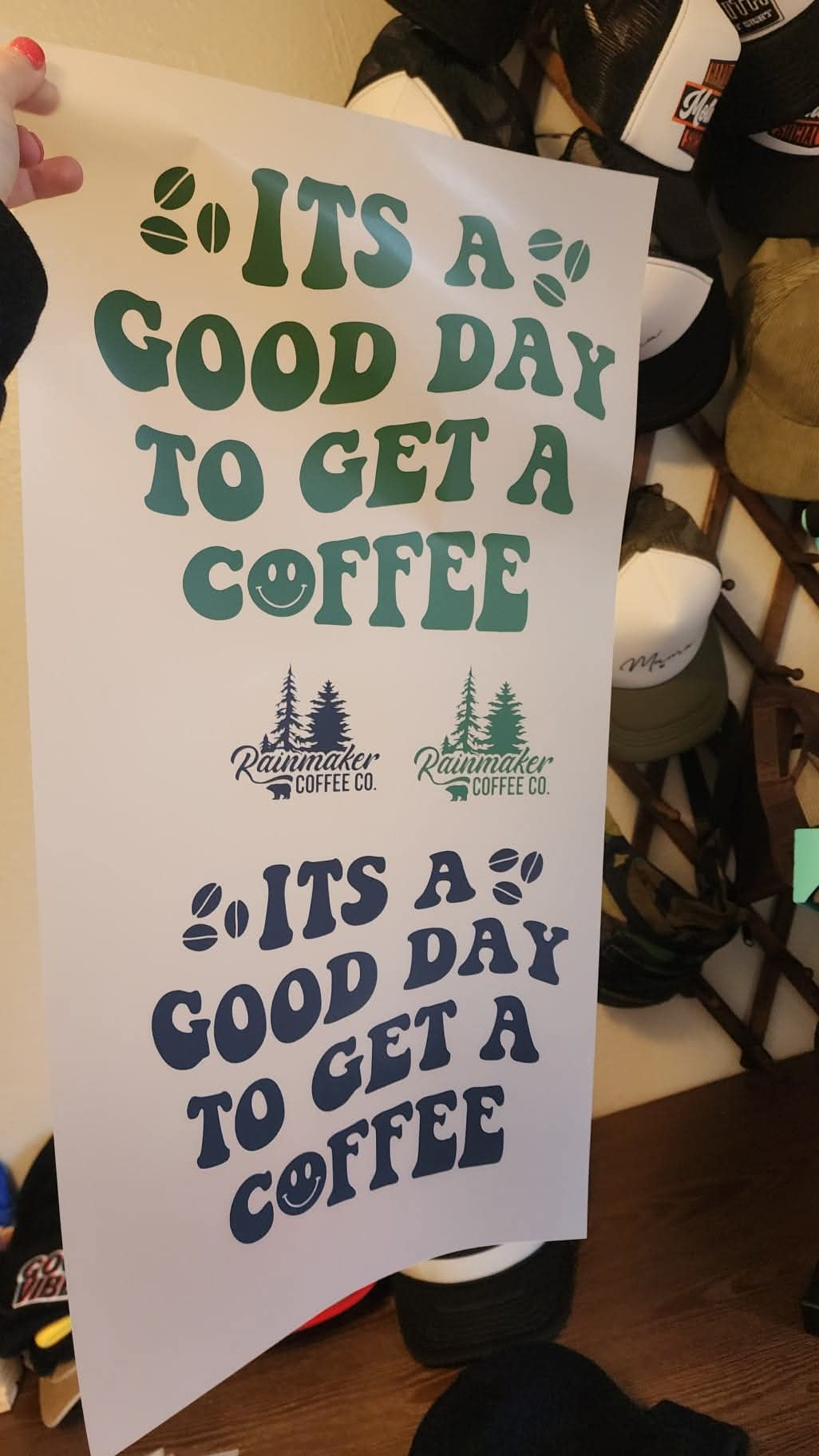
Custom DTF Gang sheets
Custom DTF Gang sheets
Regular price
$21.99 USD
Regular price
Sale price
$21.99 USD
Unit price
per
Tax included.
Shipping calculated at checkout.
Couldn't load pickup availability
What is DTF? (Direct-to-Film Transfer)
Direct-to-Film (DTF) transfers are a high-quality printing method that allows full-color designs to be printed directly onto a transfer film.
Benefits of DTF Transfers:
- Delivers vibrant, high-quality colors
- Works on various fabrics, including polyester, cotton, and blends
- No need for pre-treatment or transfer paper
- Cost-effective with a faster turnaround compared to other printing methods
Artwork Requirements
- Resolution: 300 DPI for best print quality
- Format: PNG with a transparent background (no JPEGs or screenshots)
- Print Dimensions: Ensure files are set to the exact print size
- Print-Ready: We do not modify or edit artwork
- Non-Compliant Files: Orders may be canceled if artwork does not meet the required specifications
Sizing Guide (Approximate):
- 3” - 3.5” – Pocket
- 5” – Infant/Onesie
- 7” – Toddler
- 9” – Youth
- 10” - 12” – Adult
How to Use the Gang Sheet Builder
-
Select Your Gang Sheet Size:
- Choose your preferred gang sheet size from the dropdown menu and click “CREATE DESIGN.”
- A new tab will open for you to start designing.
-
Upload Your Files:
- Click the blue “Upload Files” button to add your images.
- Arrange them in any order within the broken purple lines.
- Utilize empty spaces by adding smaller designs like pocket sizes.
-
Ensure Proper Formatting:
- All images must have a transparent background and be 300 DPI to avoid unwanted prints.
- Designs are printed exactly as uploaded with no modifications.
-
Confirm and Checkout:
- Click the green “Confirm” button (top right).
- Select “Redirect Now” to return to the product page.
- Click “Confirm My Designs” to proceed to checkout.
- Double-check quantity and sizing before completing your order.
- Ensure a valid email is entered for order confirmation and payment processing.
🚨 ALL SALES ARE FINAL 🚨
Application Instructions
💡 Use a commercial-grade heat press for best results. A home iron is NOT recommended. We are not responsible for application errors.
-
Prepare the Garment:
- Use a lint roller and pre-press for 10 seconds to remove moisture.
-
Pressing the Transfer:
- Temperature: 325°F
- Time: 25 seconds
- Pressure: Firm
-
Peeling & Final Press:
- Allow the transfer to cool completely before peeling the film.
- Cover the image with a Teflon sheet or parchment paper and repress for 8-10 seconds.
- If any part of the design does not fully transfer, repress for 15 seconds with more pressure instead of peeling forcefully.
Care Instructions
✅ Wash inside out
✅ Machine wash cold
🚫 Do not use bleach
✅ Hang dry or use low heat
🚫 Avoid fabric softener
Collapsible content
DETAILS
Unisex Sizing